Scanframe - Extract text from videos using OCR
A downloadable tool for Windows and Linux
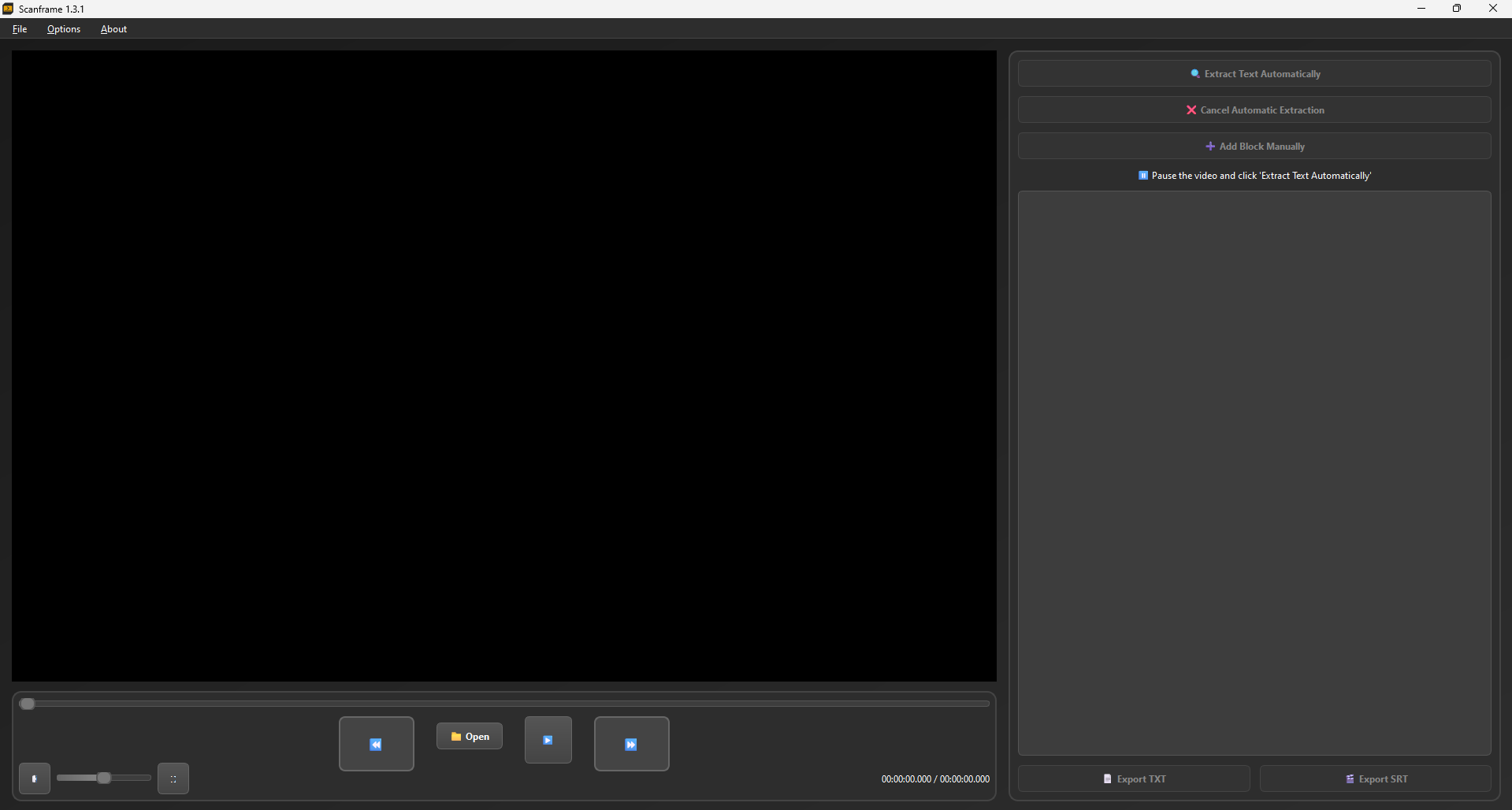

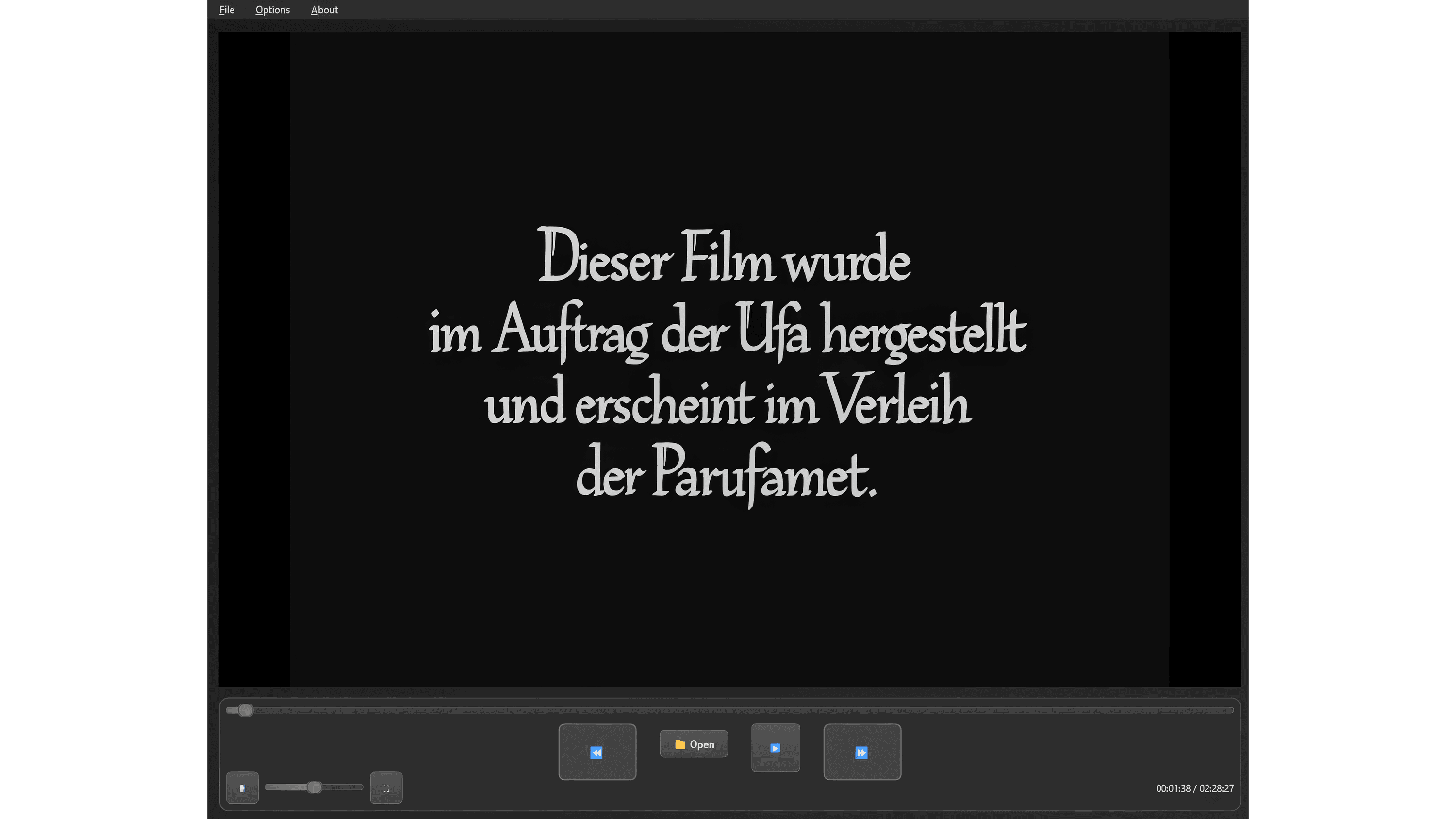
Scanframe is a desktop application designed to extract text from videos using OCR (Optical Character Recognition). It allows users to play videos, pause at specific frames, extract subtitles or any other text displayed in the video, edit the extracted content, and export it in .TXT or .SRT (standard subtitle) formats. The application supports videos in MP4, MKV, AVI, and MOV formats.
Themes: Light, Dark.
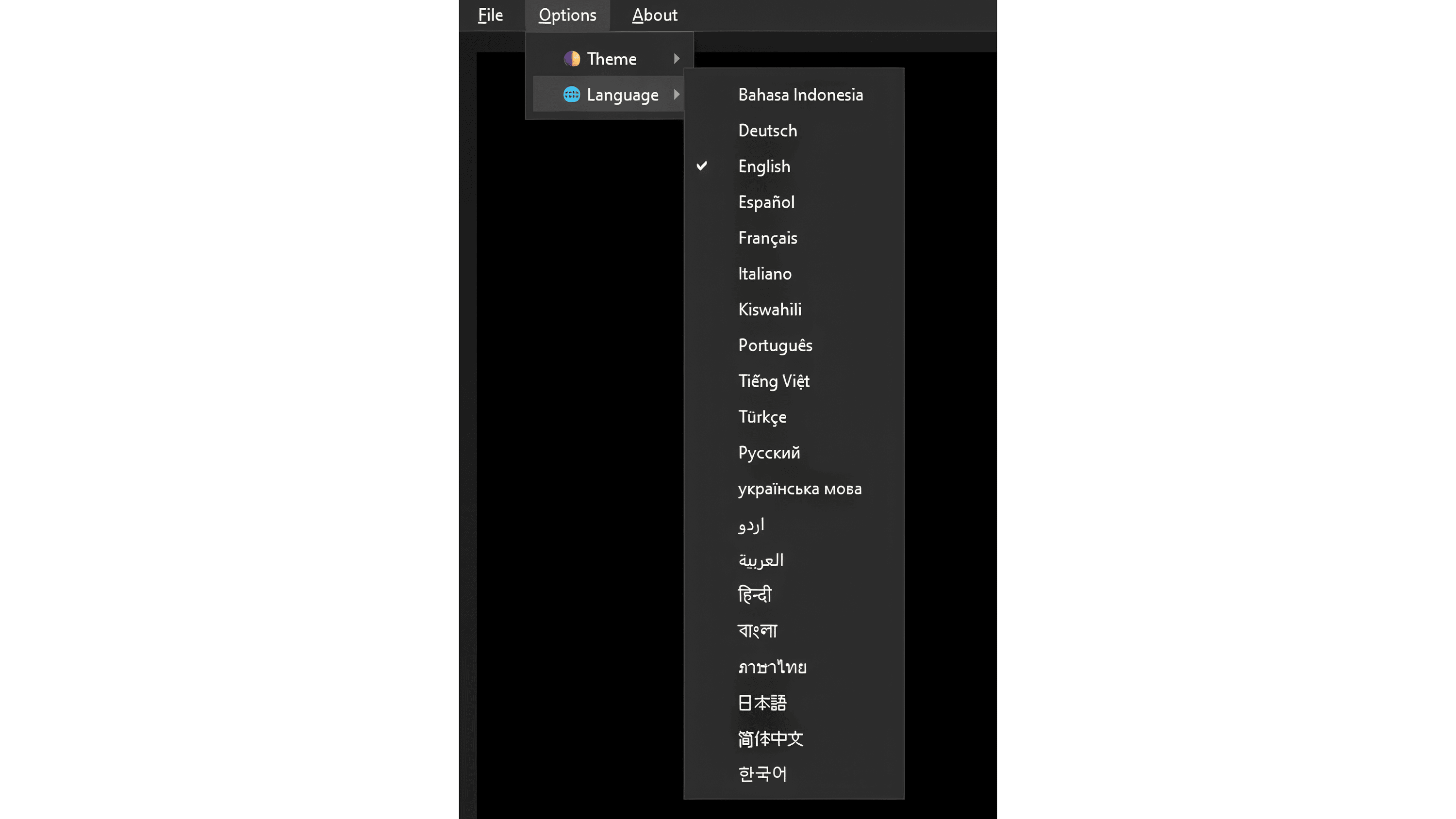
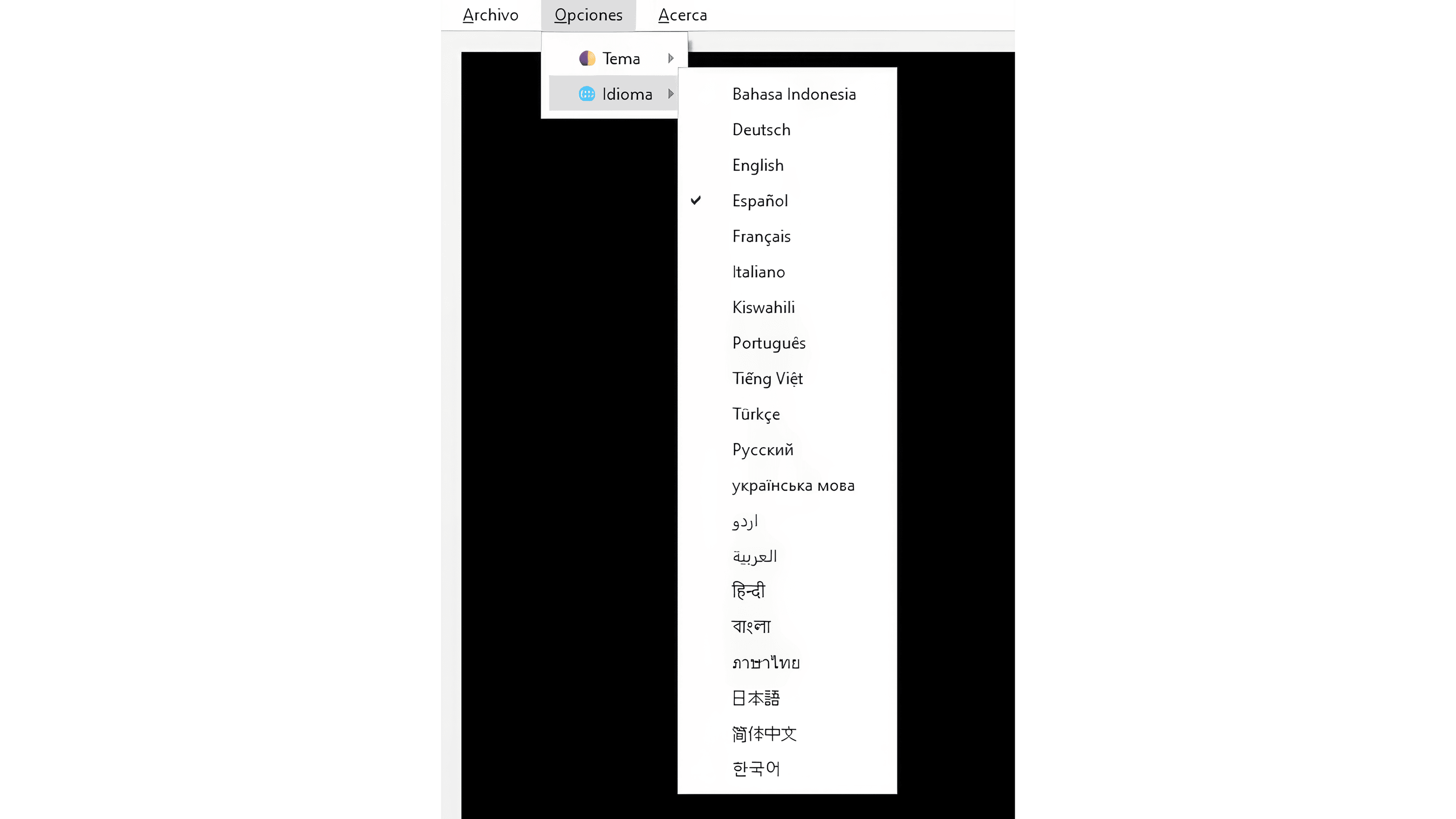
Interface languages: Indonesian, German, English, Spanish, French, Italian, Swahili, Portuguese, Vietnamese, Turkish, Russian, Ukrainian, Urdu, Arabic, Hindi, Bengali, Thai, Korean, Japanese, Simplified Chinese.
OCR MODULE: TEXT EXTRACTION
Play and pause (Space) at the desired frame .
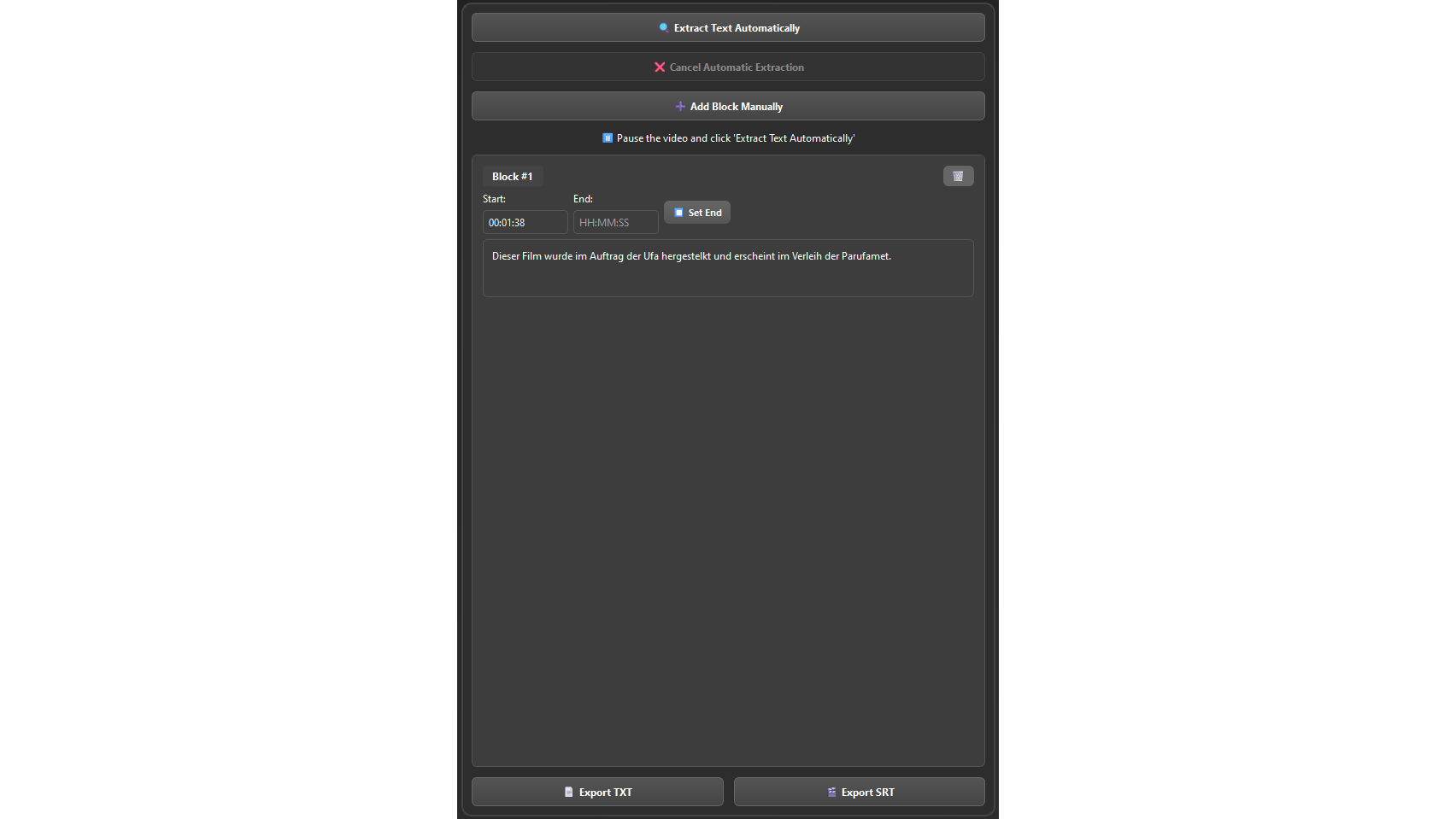
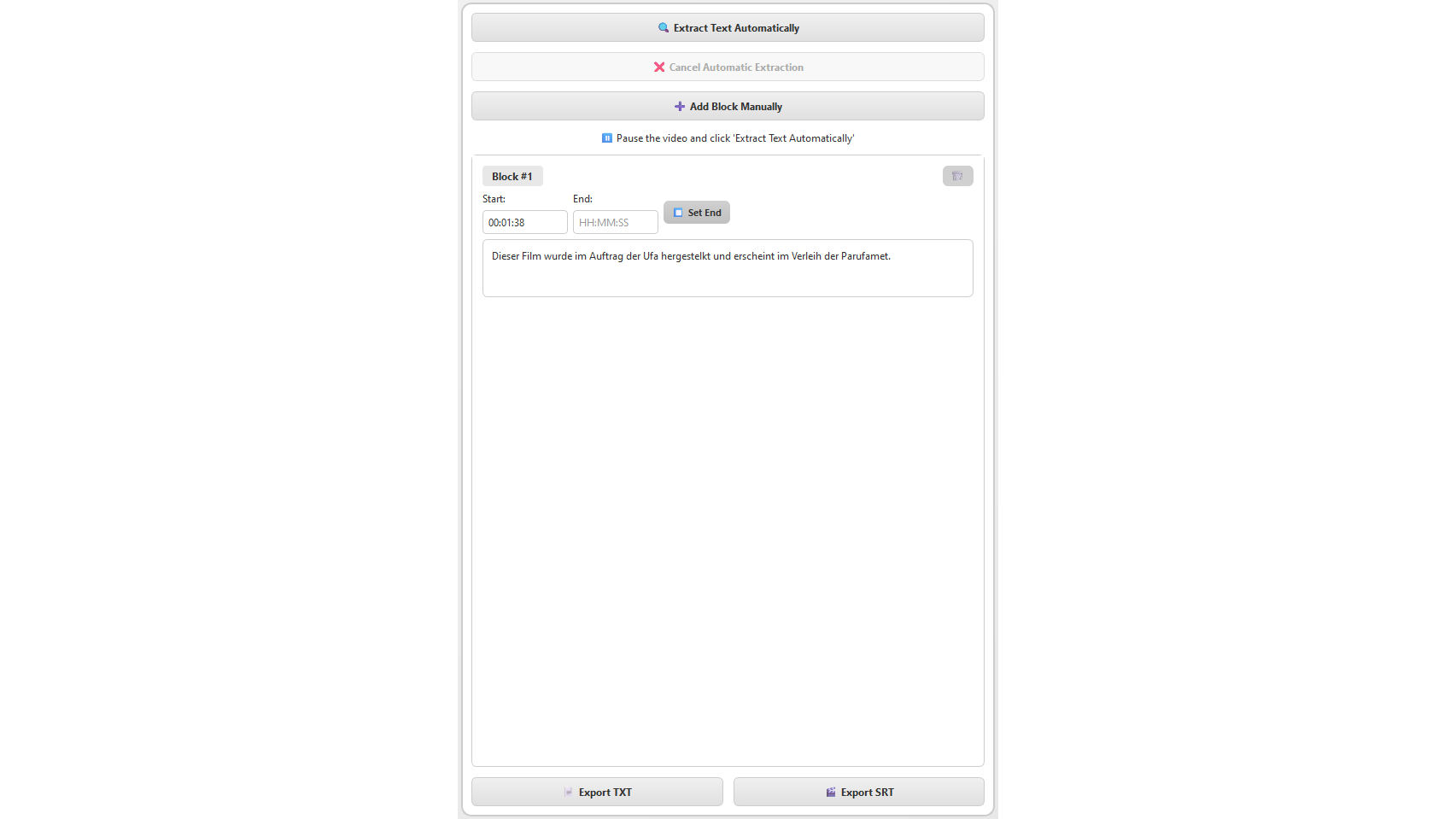
Click on "🔍 Extract Text".
The program captures the current frame and processes it with OCR.
If text is detected, a "Text Block" is created in the right list.
If there is no text: Error message ("No text was detected in the image").
Cancel: "❌ Cancel Extraction".
SCANFRAME PROJECT FILE:
File → Save project (Ctrl+S)
File → Open project (Ctrl+O)
Format: File with .sfpf extension
The project file saves all blocks, times, video path and playback position at the time of saving and opens it at exactly the same point.
IMPORTANT
Pause on frames with clear text to improve OCR accuracy and manually edit if there are errors.
The starting point is set automatically, but the ending point is set manually; let the video play and click on "Set End".
If the OCR does not detect text, you can manually add a block of text using the respective button.
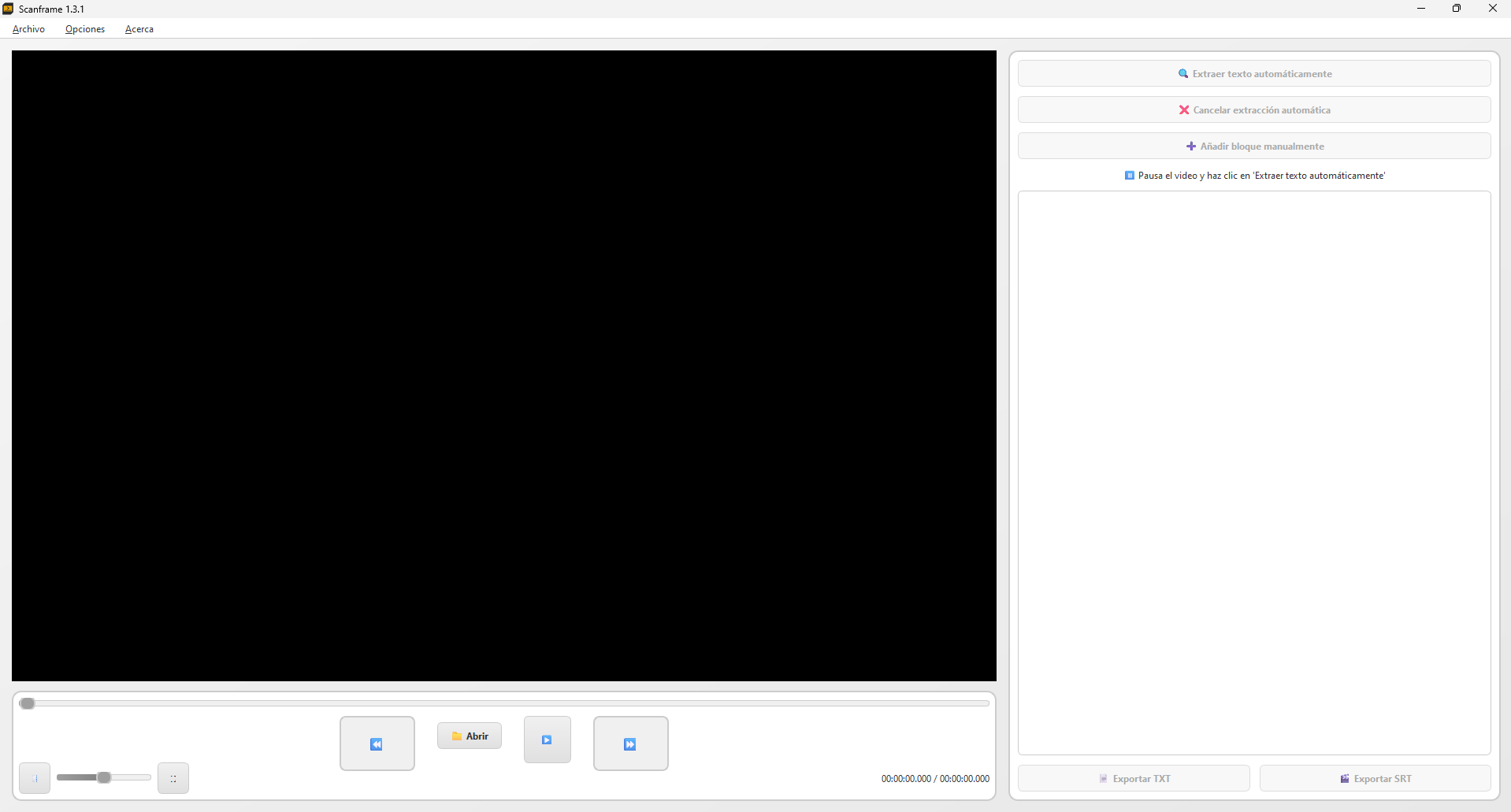
Scanframe es una aplicación de escritorio diseñada para extraer texto de videos utilizando ROC (Reconocimiento Óptico de Caracteres). Permite reproducir videos, pausar en frames específicos, extraer subtítulos o cualquier texto en el video, editarlos y exportarlos en formatos .TXT o .SRT (subtítulos estándar). La aplicación soporta videos en formatos MP4, MKV, AVI y MOV.
Temas: claro, oscuro.
Lenguajes de la interfaz: Indonesio, alemán, inglés, español, francés, italiano, suajili, portugués, vietnamita, turco, ruso, ucraniano, urdu, árabe, hindi, bengalí, tailandés, coreano, japonés, chino simplificado.
MÓDULO OCR: EXTRACCIÓN DE TEXTO
Reproduce y pausa (Espacio) en el frame deseado.
Haz clic en "🔍 Extraer Texto".
El programa captura el frame actual lo procesa con OCR.
Si se detecta texto, se crea un "Bloque de Texto" en la lista derecha.
Si no hay texto: Mensaje de error ("No se detectó texto en la imagen").
Cancelar: "❌ Cancelar Extracción".
ARCHIVO DE PROYECTO SCANFRAME:
Archivo → Guardar proyecto (Ctrl+S)
Archivo → Abrir proyecto (Ctrl+O)
Formato: Archivo con extensión .sfpf
El archivo de proyecto guarda todos los bloques, tiempos, ruta del video y la posición de la reproducción al momento de guardarlo y lo abre exactamente en el mismo punto.
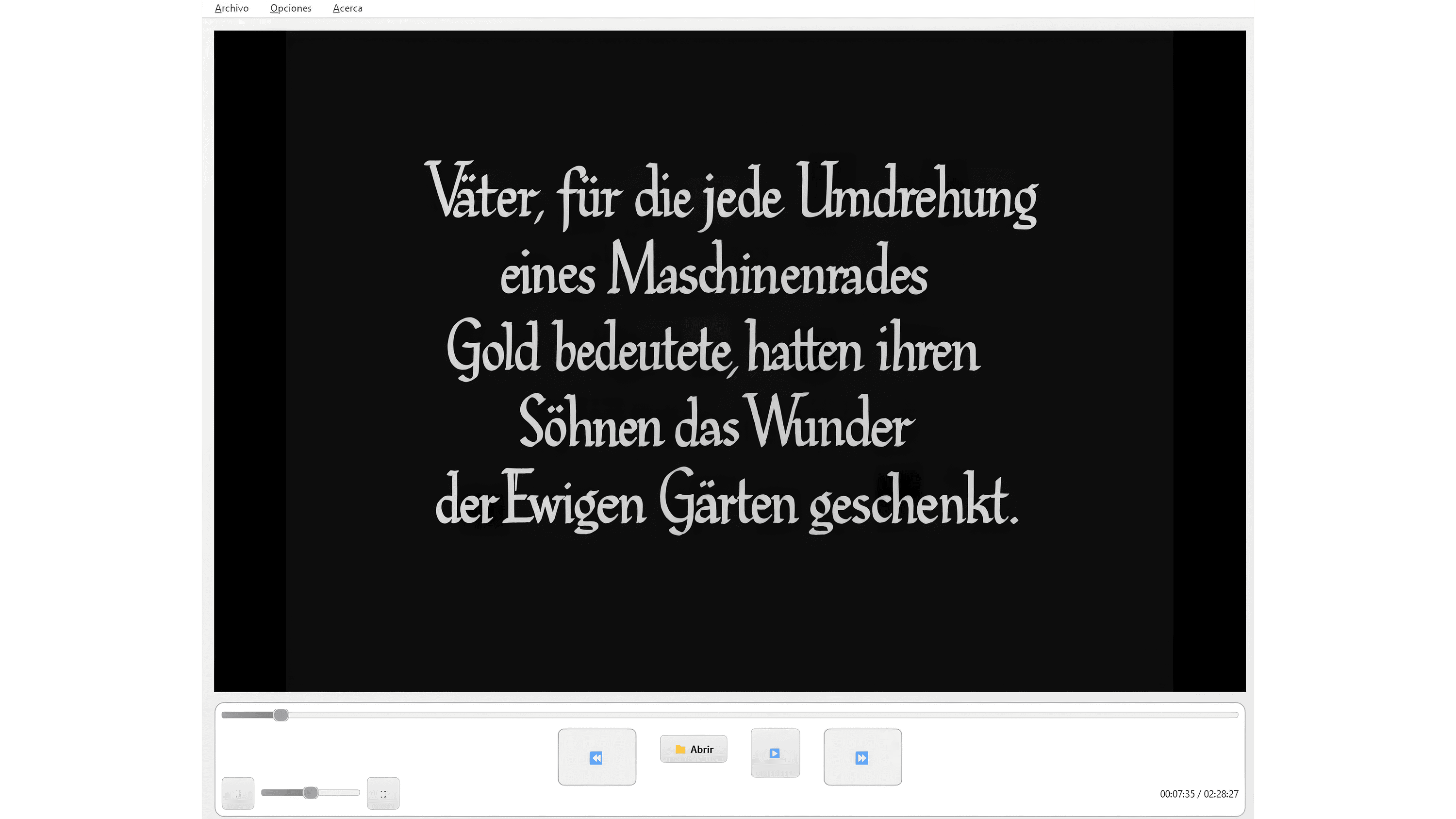
IMPORTANTE
Pausa en frames con textos claros para mejorar la precisión OCR y edita manualmente si hay errores.
El punto de inicio se configura automáticamente, pero el punto final se establece manualmente, deja avanzar el video y haz clic en "Establecer fin".
Si el OCR no detecta texto puede agregar un bloque de texto manualmente con el respectivo botón.
INTERFACE LANGUAGES: Bahasa Indonesia, Deutsch, English, Español, Français, Italiano, Kiswahili, Português, Tiếng Việt, Türkçe, Русский, українська мова, اردو, العربية, हिन्दी, বাংলা, ภาษาไทย, 한국어, 日本語, 简体中文
Application compatible with: Windows x64; Linux x64
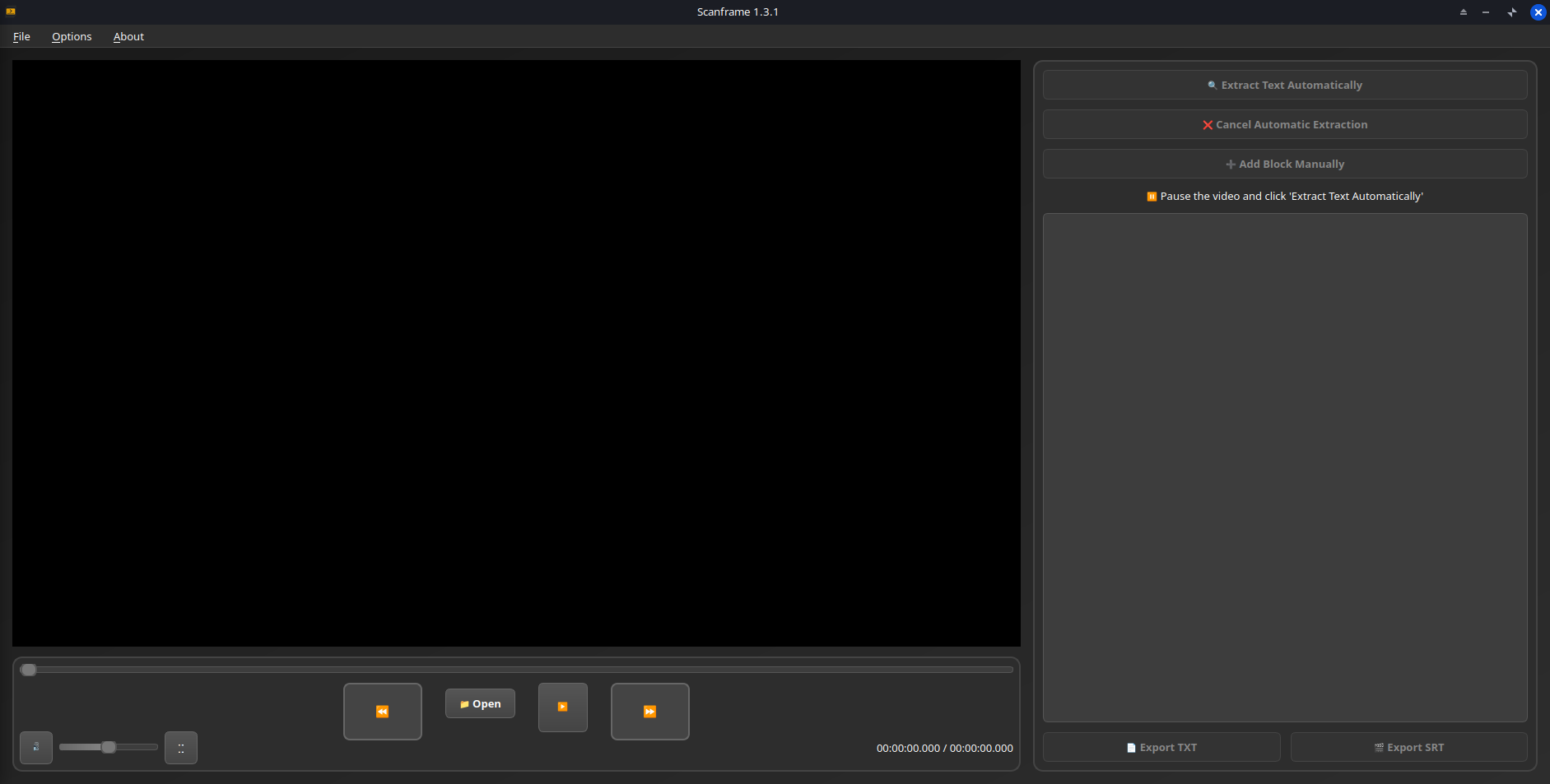
Scanframe running on Linux.
Download
Click download now to get access to the following files:
Development log