Spectro Denoise - Remove repetitive patterns from your images
A downloadable tool for Windows and Linux
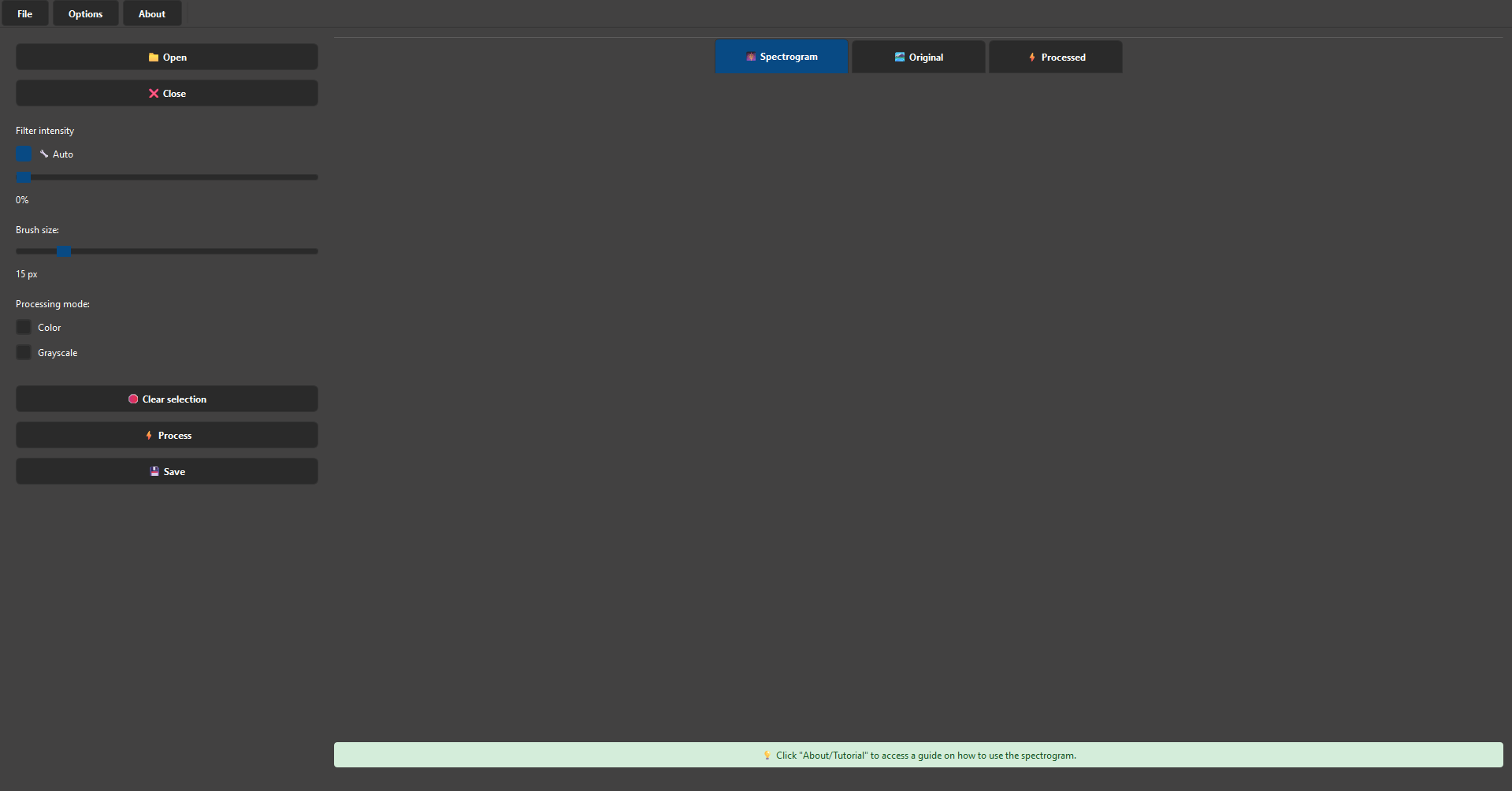

Spectro Denoise is specialized image processing software. Use the Fast Fourier Transform (FFT) to remove repetitive patterns and unwanted artifacts from your images. It is ideal for photographers, designers, researchers, or anyone who needs to process images to improve their quality. It has multiple automation features and advanced manual controls, and supports colour and grayscale images. It's especially good at removing the halftone effect used in some printed images.
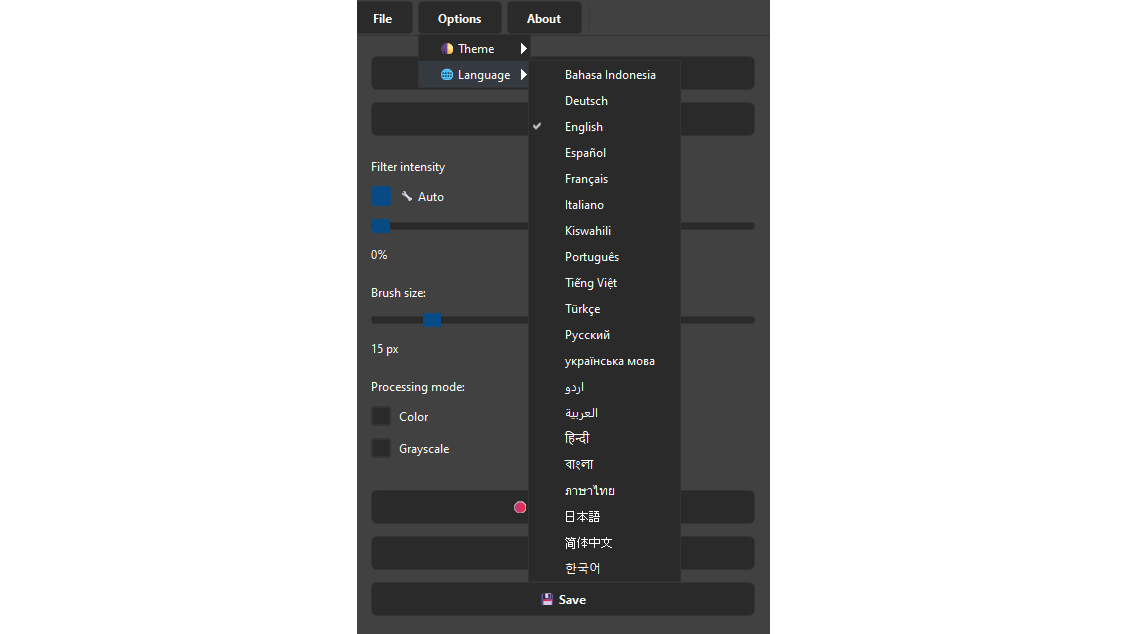
THEMES: Light, Dark.
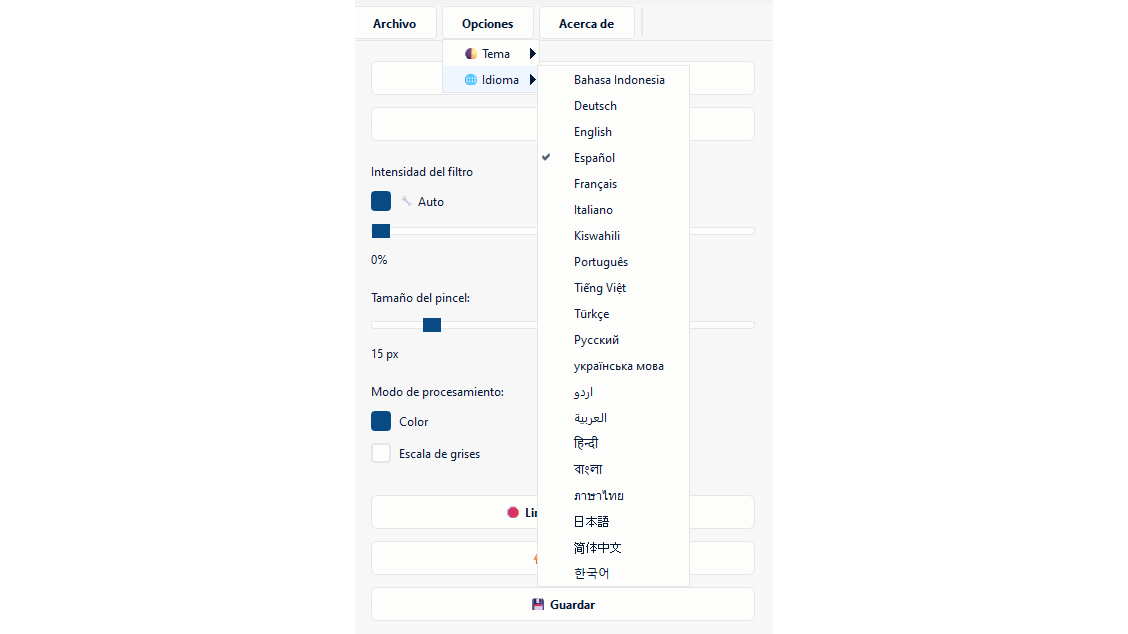
INTERFACE LANGUAGES: Indonesian, German, English, Spanish, French, Italian, Swahili, Portuguese, Vietnamese, Turkish, Russian, Ukrainian, Urdu, Arabic, Hindi, Bengali, Thai, Korean, Japanese, Simplified Chinese
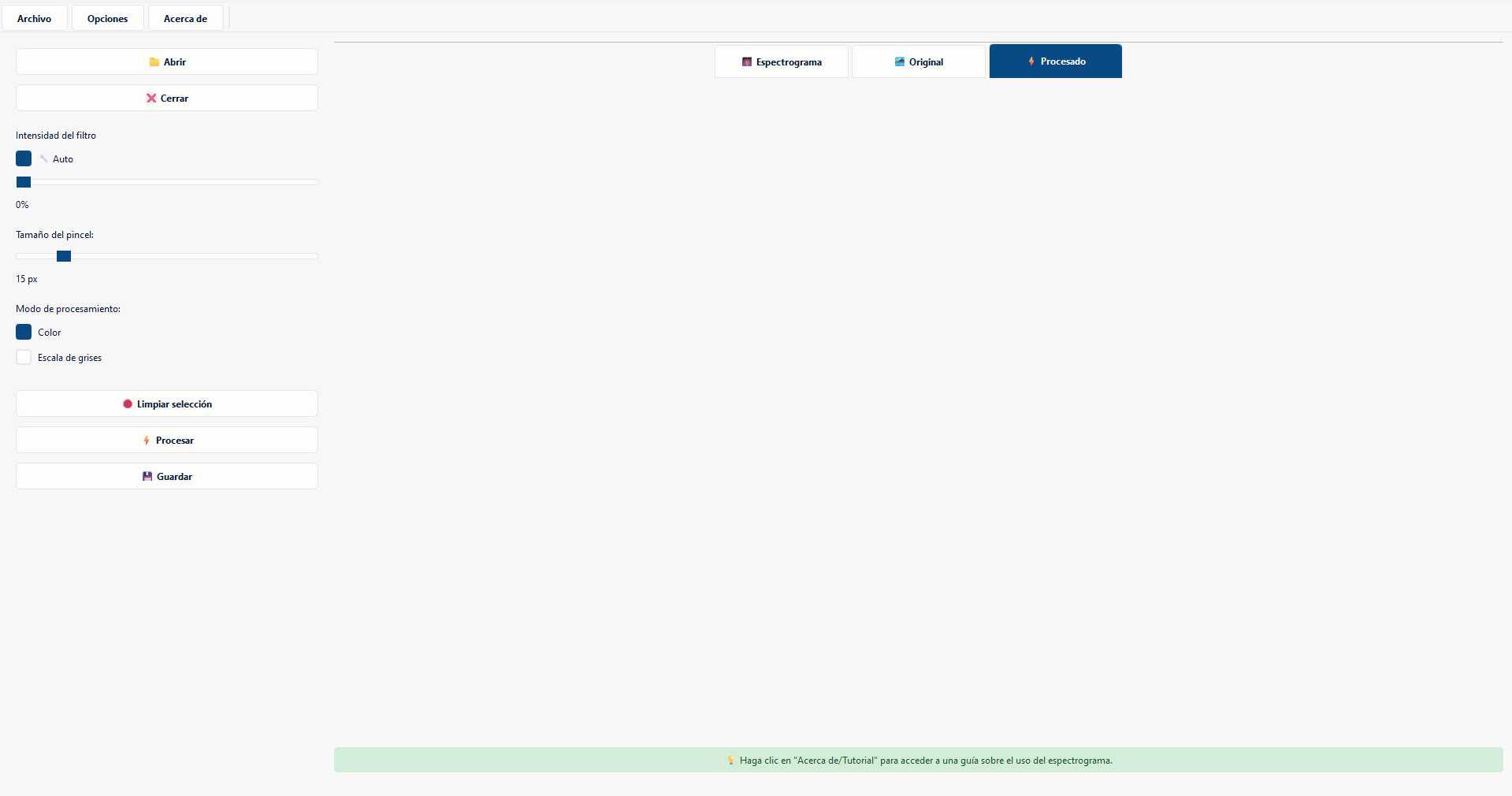
CENTER PANEL:
🎆 Spectrogram: Shows the frequency representation of the image (FFT).
🏞️ Original: Shows the uploaded image without modification.
⚡ Processed: Shows the result after applying the filter.
IMPORTANT
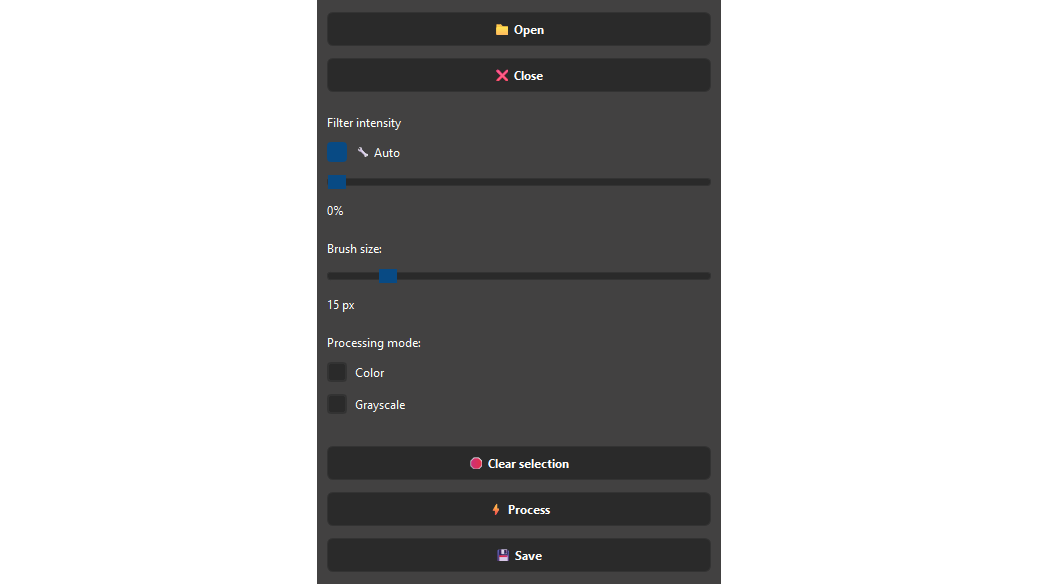
It is only necessary to select the bright “stars” near the center of the spectrogram, not all of them.
If there are no clear frequency “peaks,” do not select anything, just click process and manually control the filter intensity.
If the result is too blurry, lower the filter intensity manually.
If the result still contains a lot of patterns/noise, increase the filter intensity manually.
When processing very large images, it may take longer than normal; please be patient, the processing will continue without any problems.
BEFORE AND AFTER:
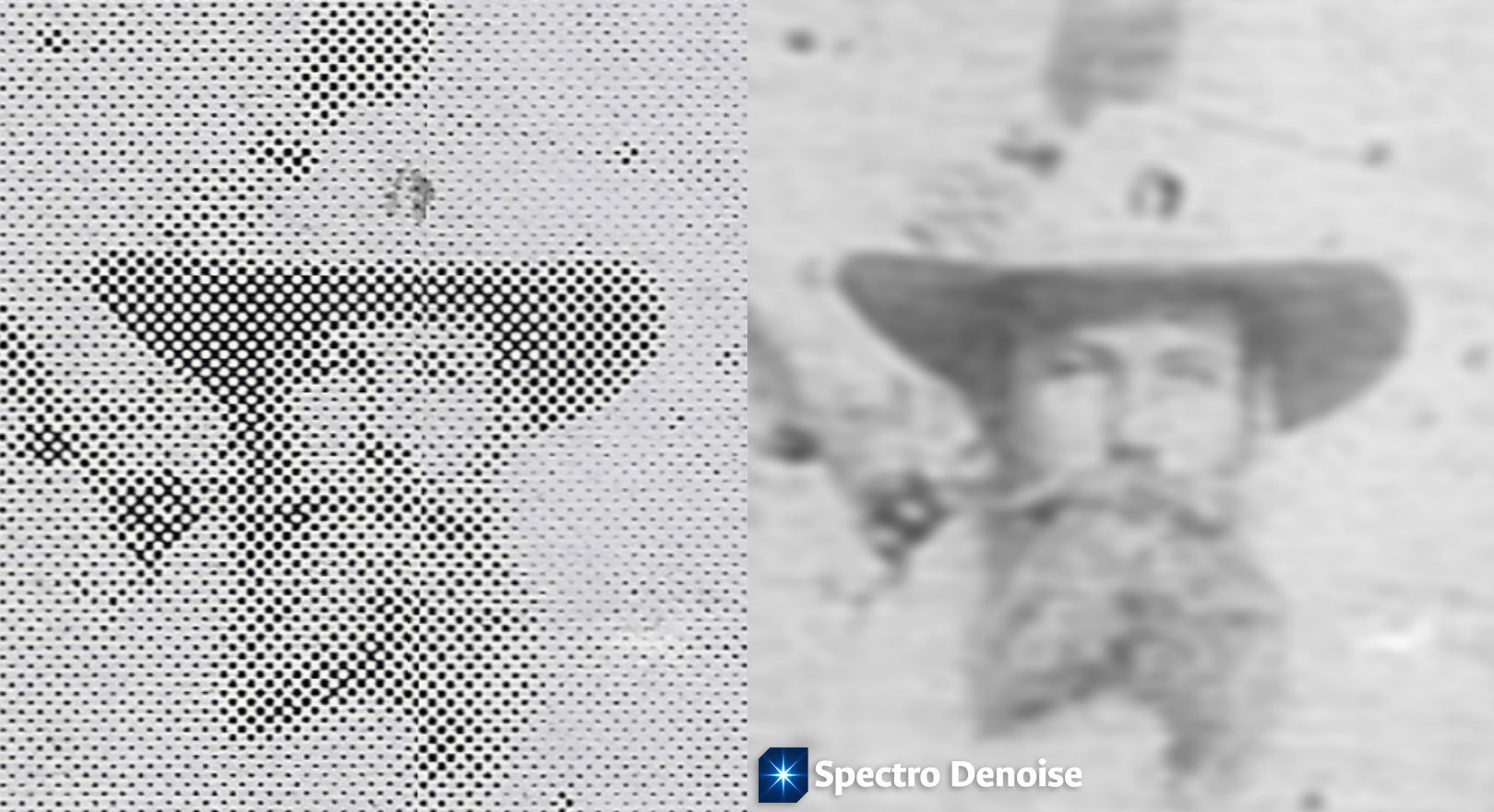
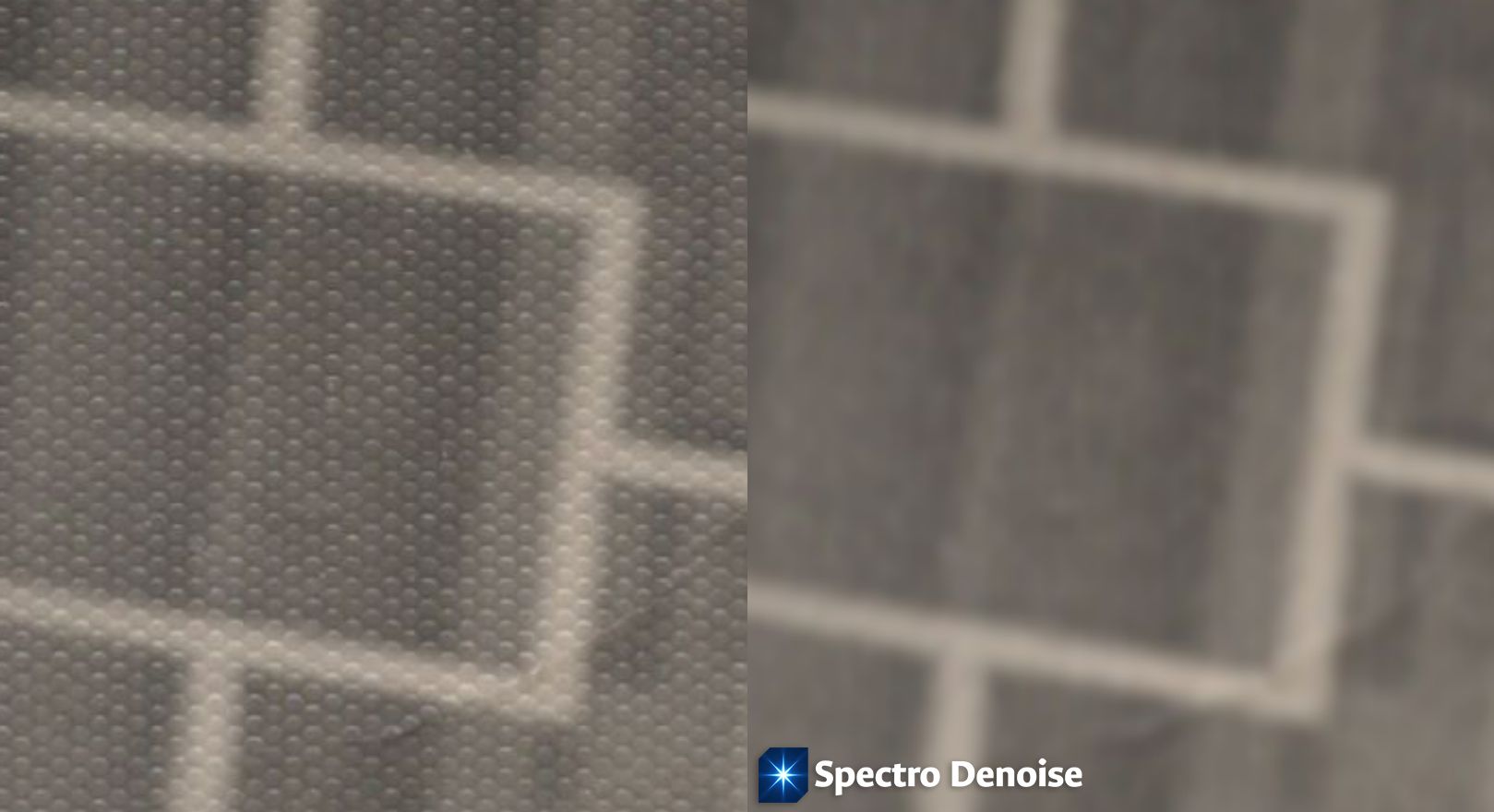
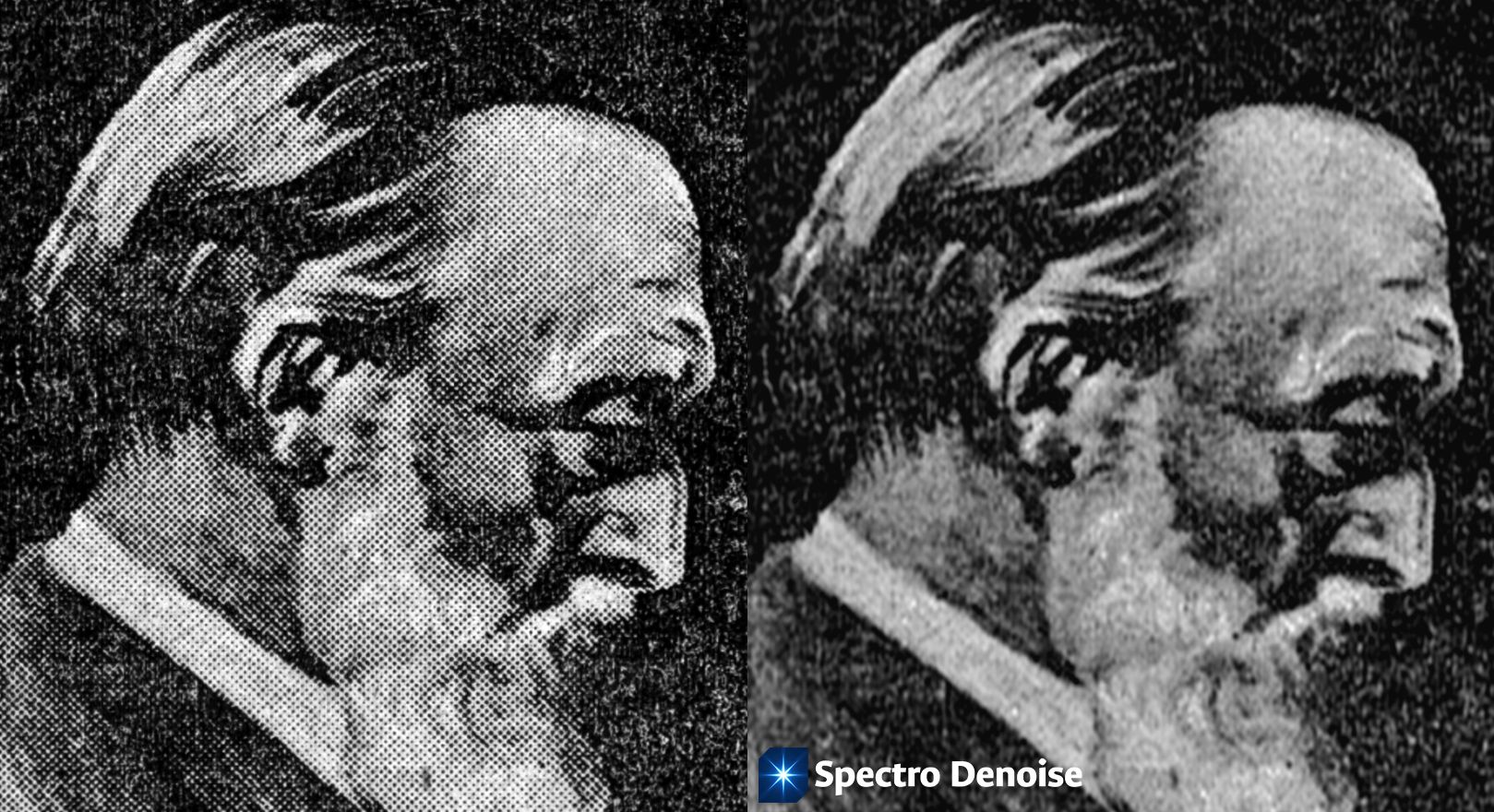
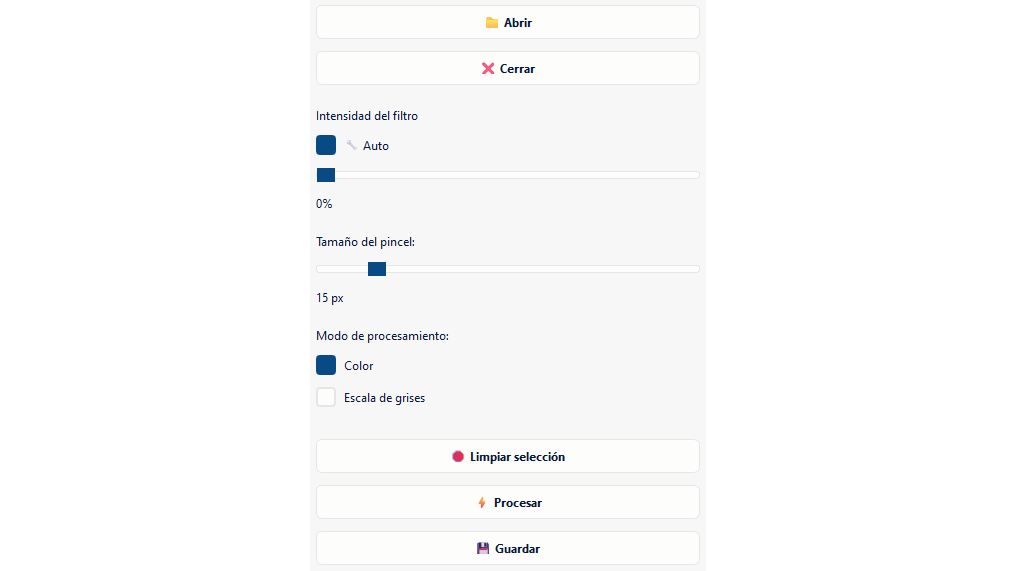
Spectro Denoise es un software especializado en procesamiento de imágenes. Utiliza la transformada rápida de Fourier (TRF) para borrar patrones repetitivos y artefactos no deseados en tus imágenes. Es ideal para fotógrafos, diseñadores, investigadores o cualquier persona que necesite procesar imágenes para mejorar su calidad. Incluye múltiples automatizaciones y controles manuales avanzados, soporta imágenes en color y en escala de grises. Es especialmente efectivo para eliminar el efecto de semitono que usan algunas imágenes impresas.
TEMAS: claro, oscuro.
LENGUAJES DE LA INTERFAZ: indonesio, alemán, inglés, español, francés, italiano, suajili, portugués, vietnamita, turco, ruso, ucraniano, urdu, árabe, hindi, bengalí, tailandés, coreano, japonés, chino simplificado
PANEL CENTRAL:
🎆 Espectrograma: Muestra la representación en frecuencia de la imagen (FFT).
🏞️ Original: Muestra la imagen cargada sin modificar.
⚡ Procesada: Muestra el resultado después de aplicar el filtro.
IMPORTANTE
Solo es necesario seleccionar los “puntos” brillantes cerca del centro del espectrograma, no todos ellos.
Si no hay “picos” de frecuencia claros, no seleccione nada, simplemente haga clic en procesar y controle manualmente la intensidad del filtro.
Si el resultado es demasiado borroso, baje la intensidad del filtro manualmente.
Si el resultado aún contiene muchos patrones/ruido, aumente la intensidad del filtro manualmente.
Cuando se procesan imágenes muy grandes, puede tomar más tiempo del normal; tenga paciencia, el procesado continuará sin ningún problema.
ANTES Y DESPUÉS:
INTERFACE LANGUAGES: Bahasa Indonesia, Deutsch, English, Español, Français, Italiano, Kiswahili, Português, Tiếng Việt, Türkçe, Русский, українська мова, اردو, العربية, हिन्दी, বাংলা, ภาษาไทย, 한국어, 日本語, 简体中文
Application compatible with: Windows x64; Linux x64
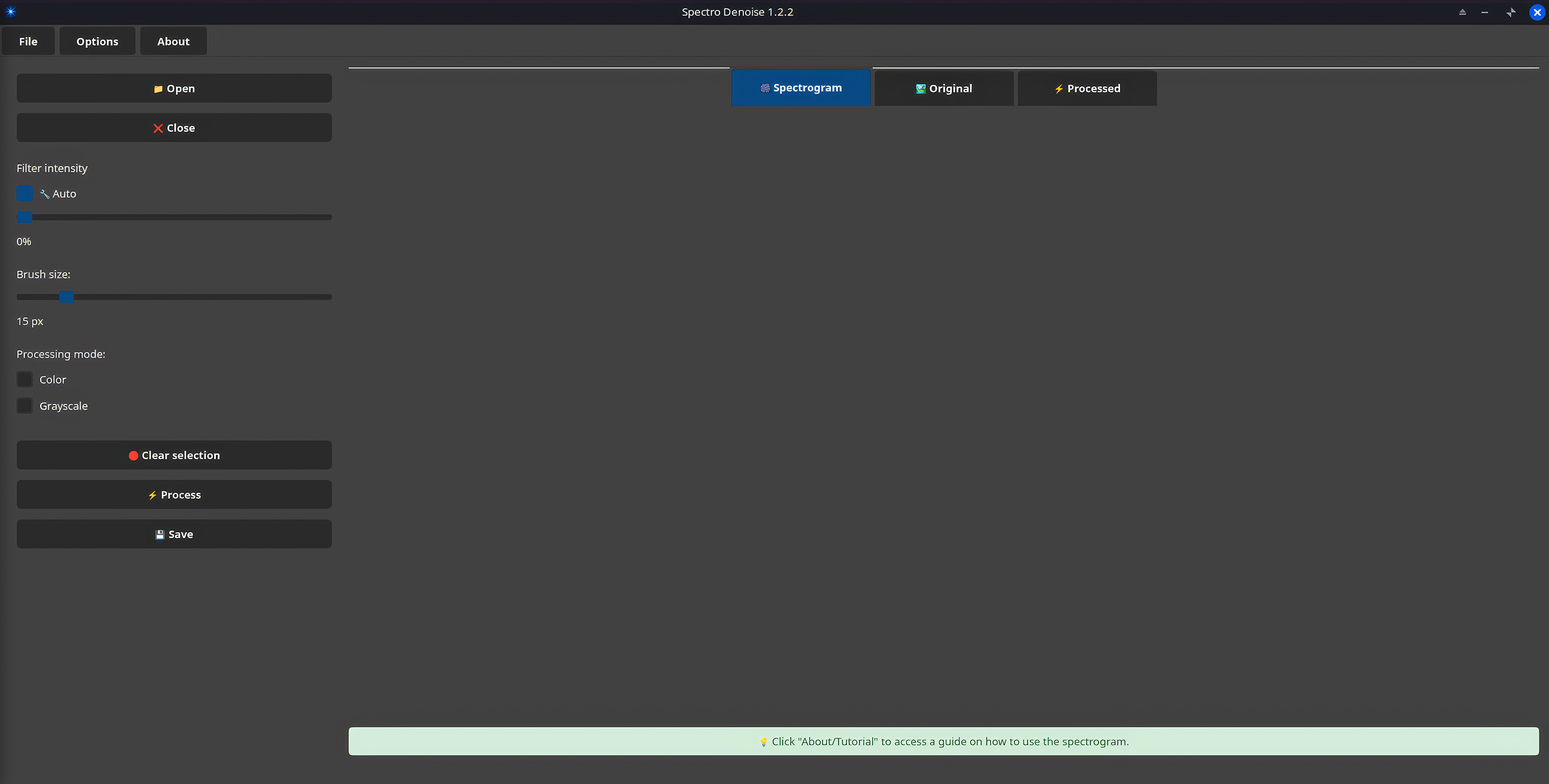
Spectro Denoise running on Linux.
Download
Click download now to get access to the following files:
Development log